
Karabiner-Elements is a powerful and stable keyboard customizer for macOS that also can be used to send keyboard shortcuts with your mouse.
Karabiner-Elements (macOS)

GUI Configuration
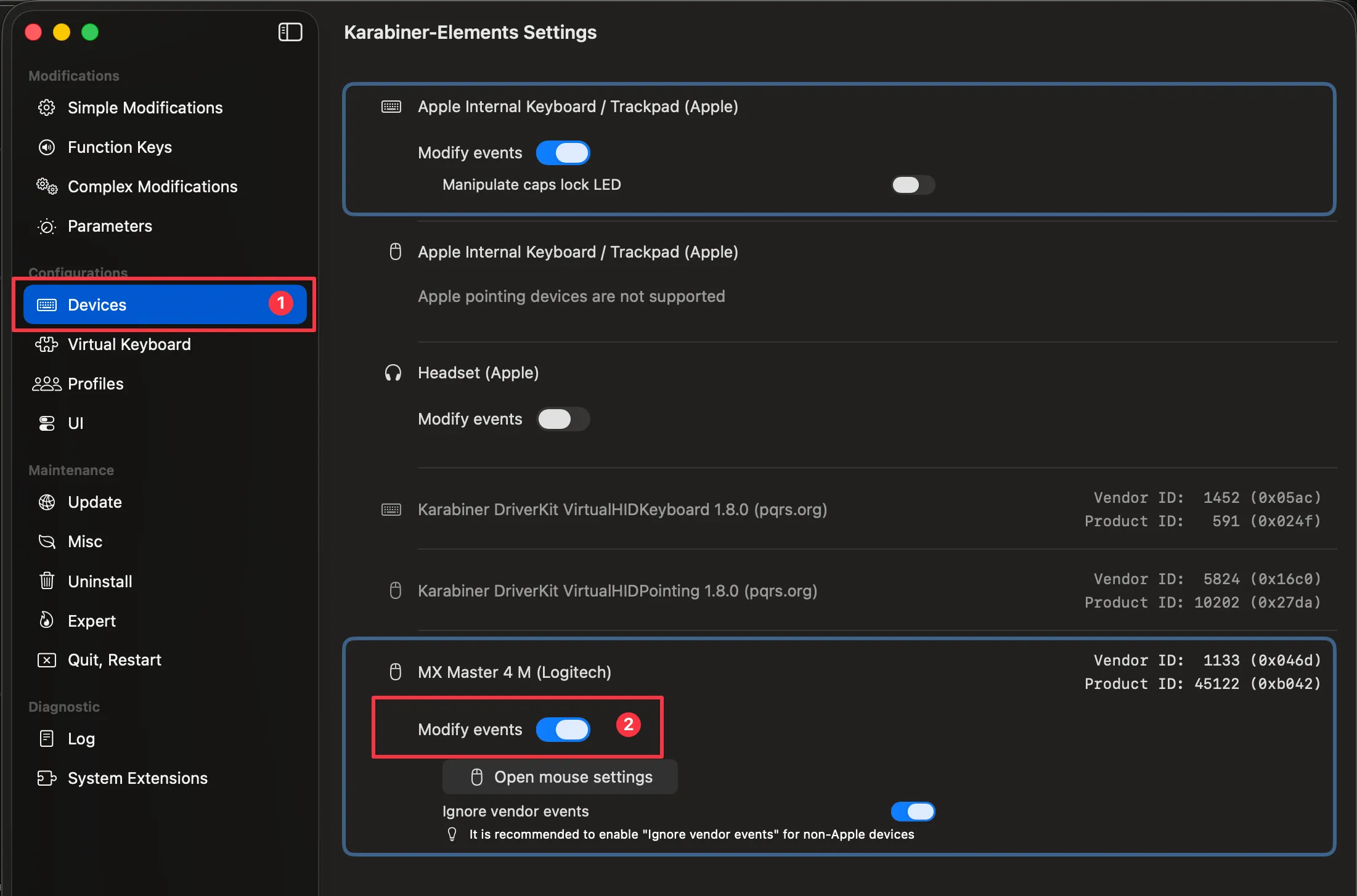
Section titled “GUI Configuration”- In Karabiner-Elements you need to navigate on the left sidebar to ‘Devices’.
- Activate ‘Modify events’ for the mouse that you want to use.
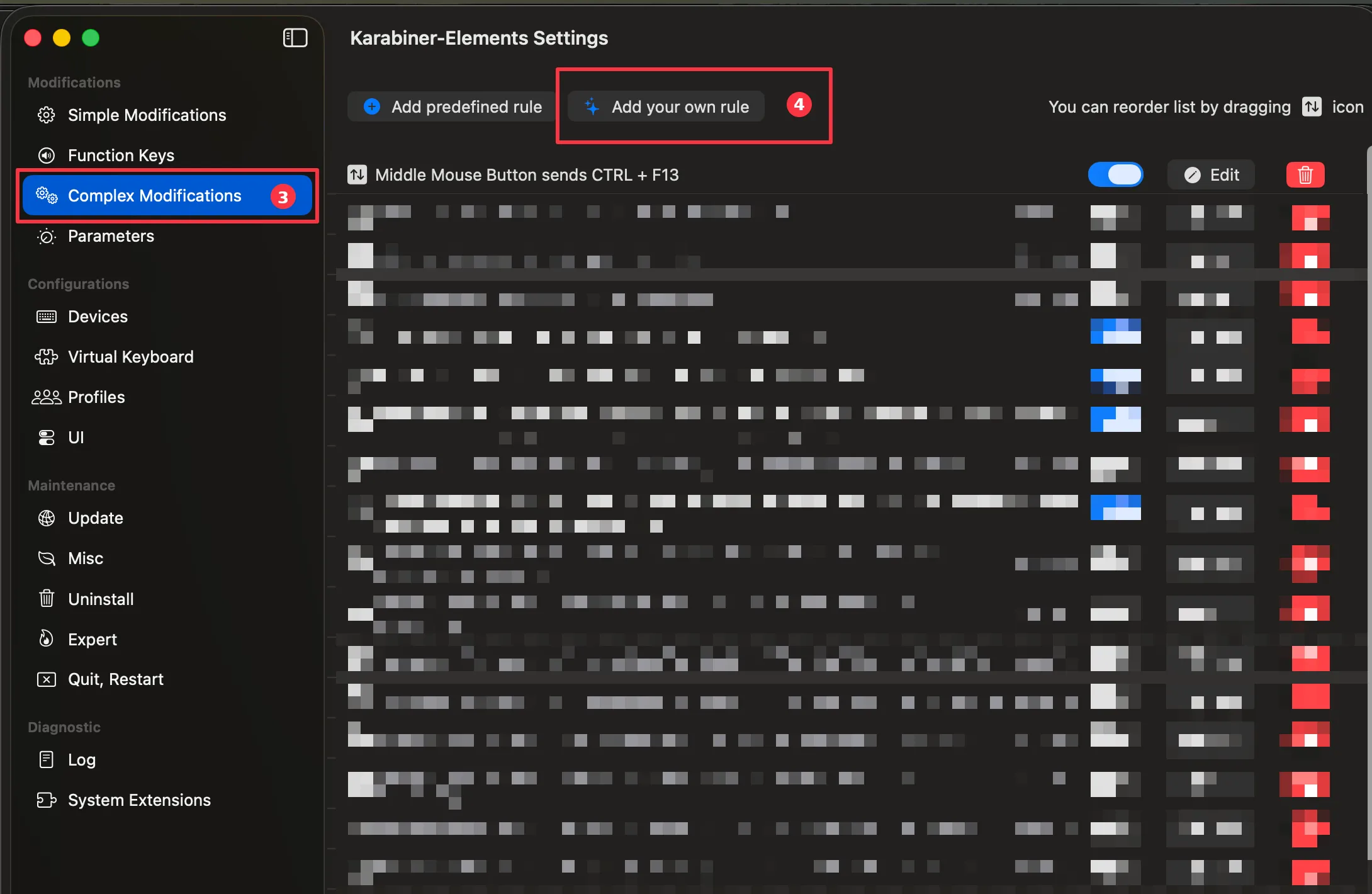
- To setup a keyboard shortcut with your mouse, you need to create a ‘Complex Modification’ in Karabiner-Elements.
- Setup the shortcut by clicking on ‘Add your own rule’.
JSON Configuration
Section titled “JSON Configuration”Alternatively, copy & paste the example code below to send the keyboard shortcut ‘CTRL + F13’ when pressing the middle mouse button:
{ "description": "Middle Mouse Button sends CTRL + F13", "manipulators": [ { "from": { "pointing_button": "button3" }, "to": [ { "key_code": "f13", "modifiers": ["control"] } ], "type": "basic" } ]}