
This action closes the current menu. Usually, you will use this action in most of your workflows.
Close Menu
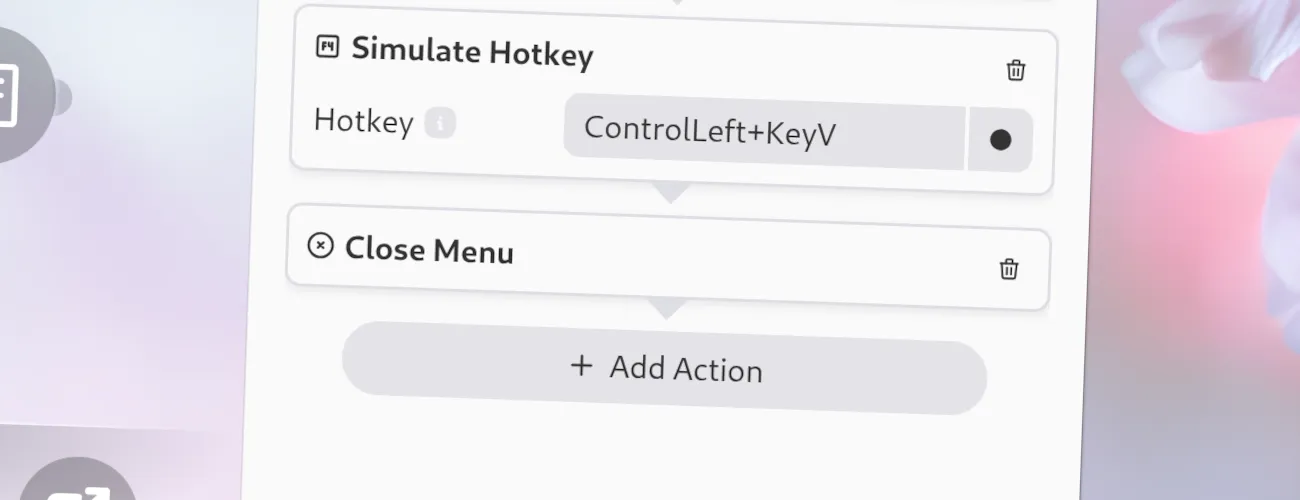
You can choose deliberately to not close the menu after executing a workflow. Just remove the Close-Menu action from the workflow and the menu will stay open after executing the workflow!
Options
Section titled “ Options”This action has no options.
JSON Configuration
Section titled “ JSON Configuration”If you edit your menus.json file by hand or use the IPC interface, you can create this action with something like the following.
..."selectWorkflow": { "actions": [ ... { "type": "close-menu" } ... ]}...